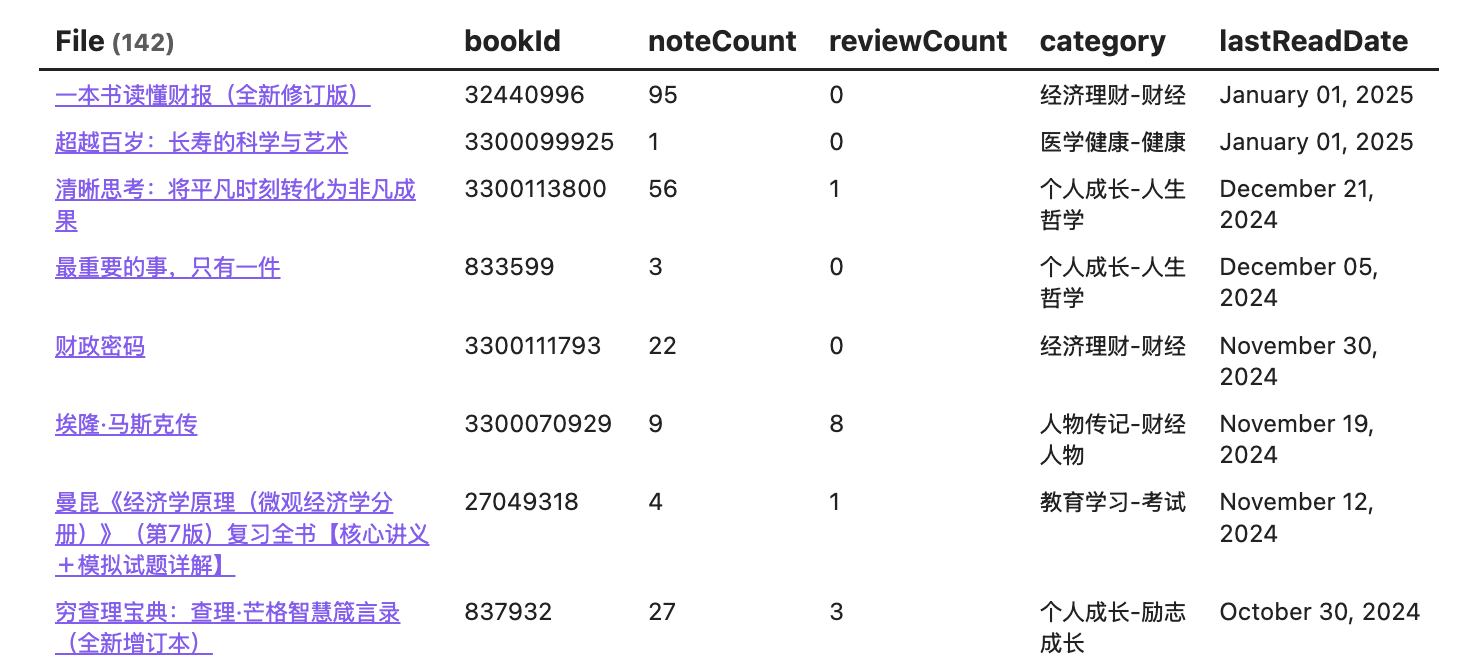
One of the most powerful features of Obsidian is the ability to visualise your notes. There are different ways to visualise your notes on Obsidian. Sometimes it could be quite overwhelming to choose the right tool for the job. Here are some of the tools I use to visualise my notes on Obsidian.
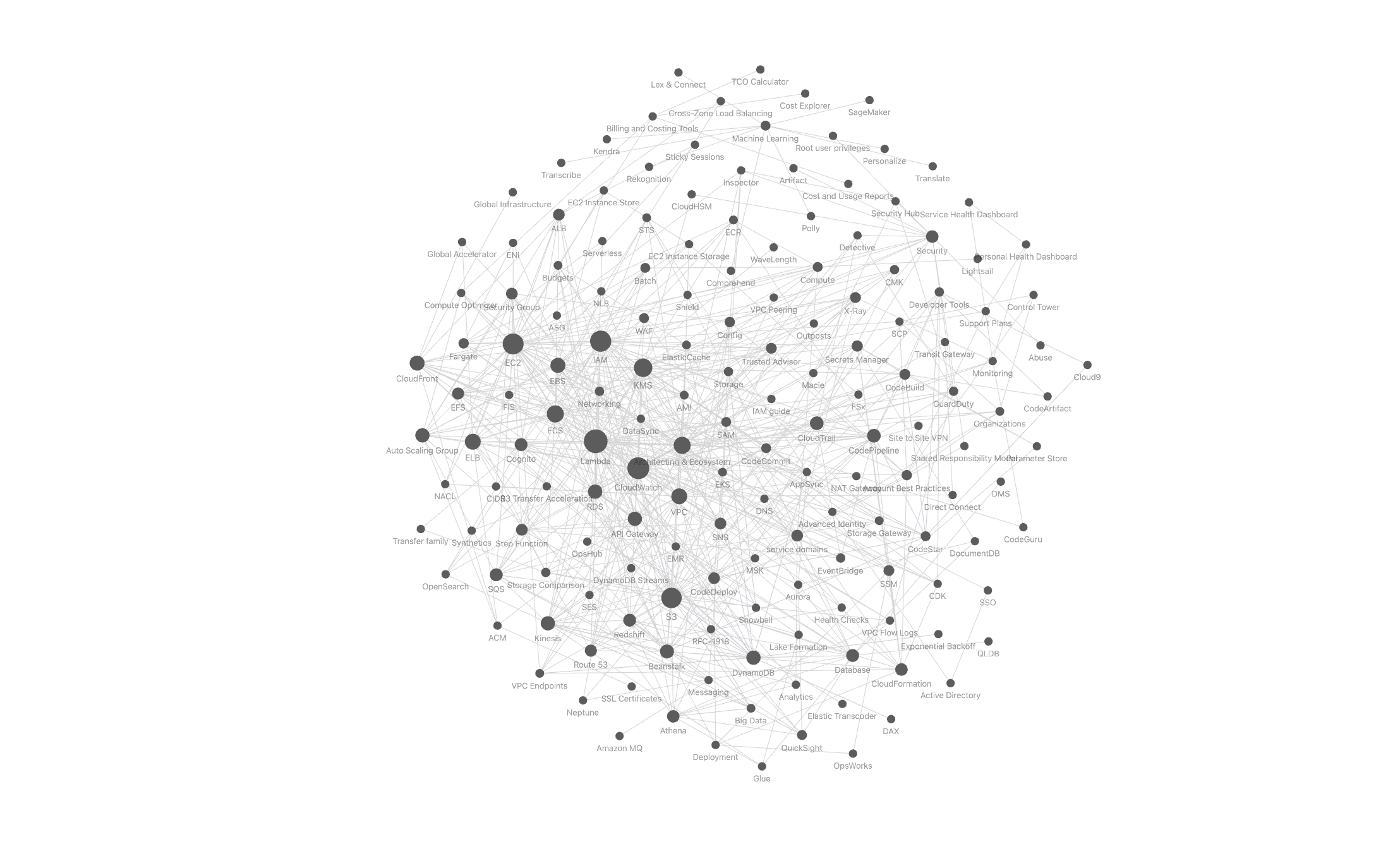
Graph View
This is the default view in Obsidian. It’s a good way to visualise your notes in a graph-like structure. Especially when you have a lot of notes, it’s a good way to see the relationships between your notes.
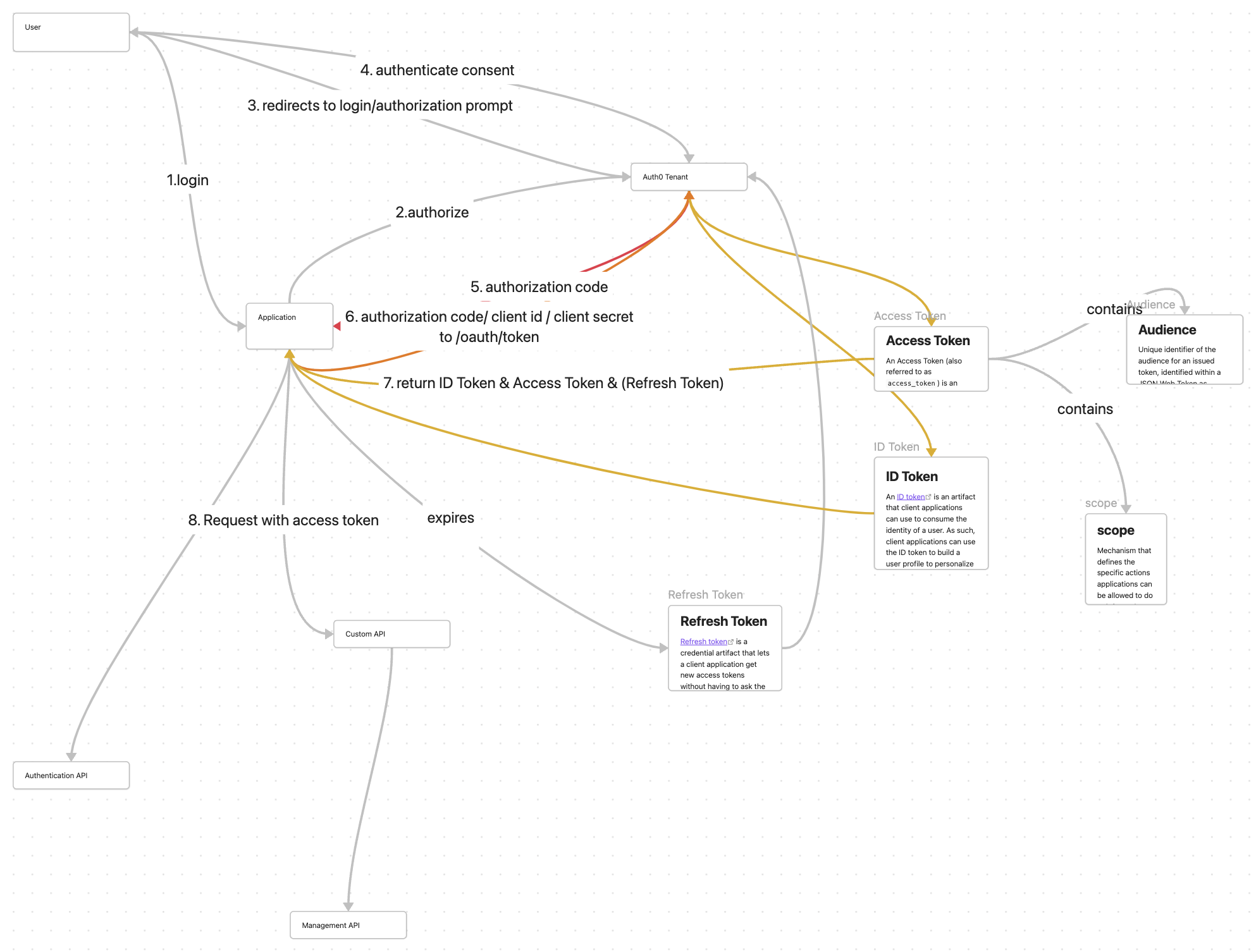
Canvas
Canvas is also a native feature in Obsidian. It’s an idea way to visualise your notes in a canvas-like structure. It allows you to put different elements such as images, documents, videos, and other notes on the canvas and connect them with lines.
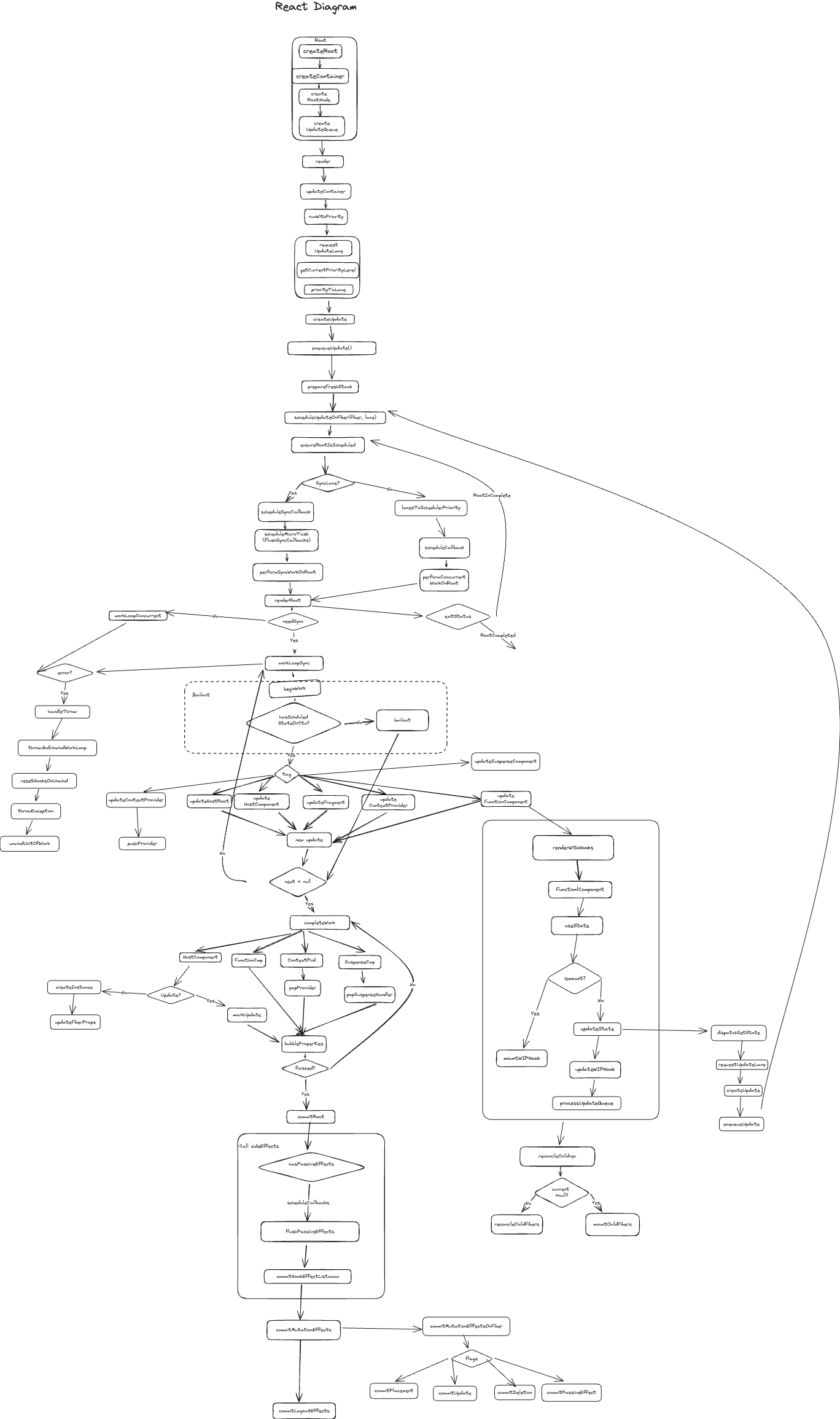
Excalidraw
Excalidraw is a more powerful version of Canvas. It’s also the most popular plugins on Obsidian. It has a lot of features that are not available in Canvas such as:
- More advanced drawing tools such as shapes, arrows, and more.
- More advanced linking tools such as linking to a specific section of your note in the diagram.
Mermaid
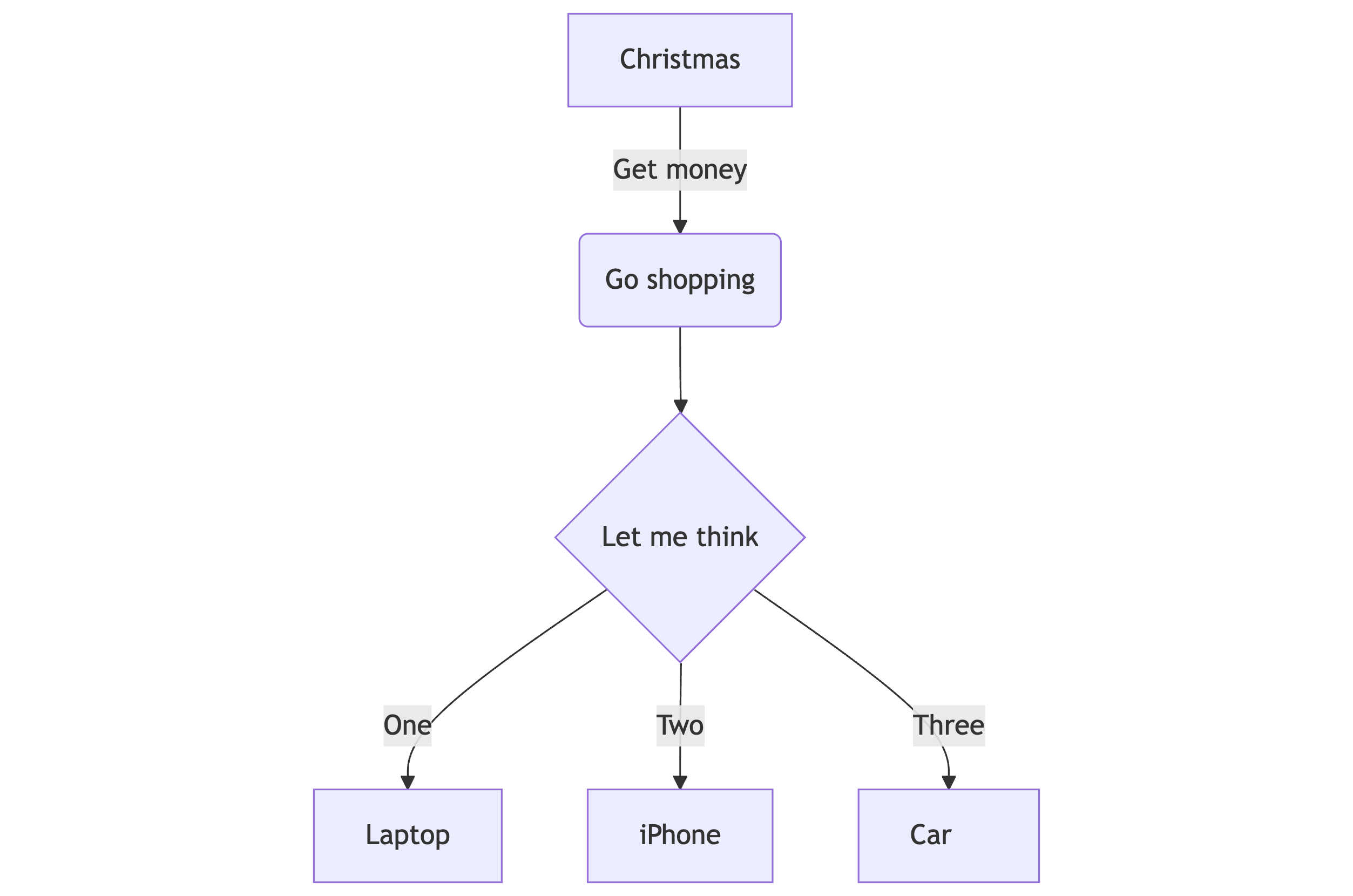
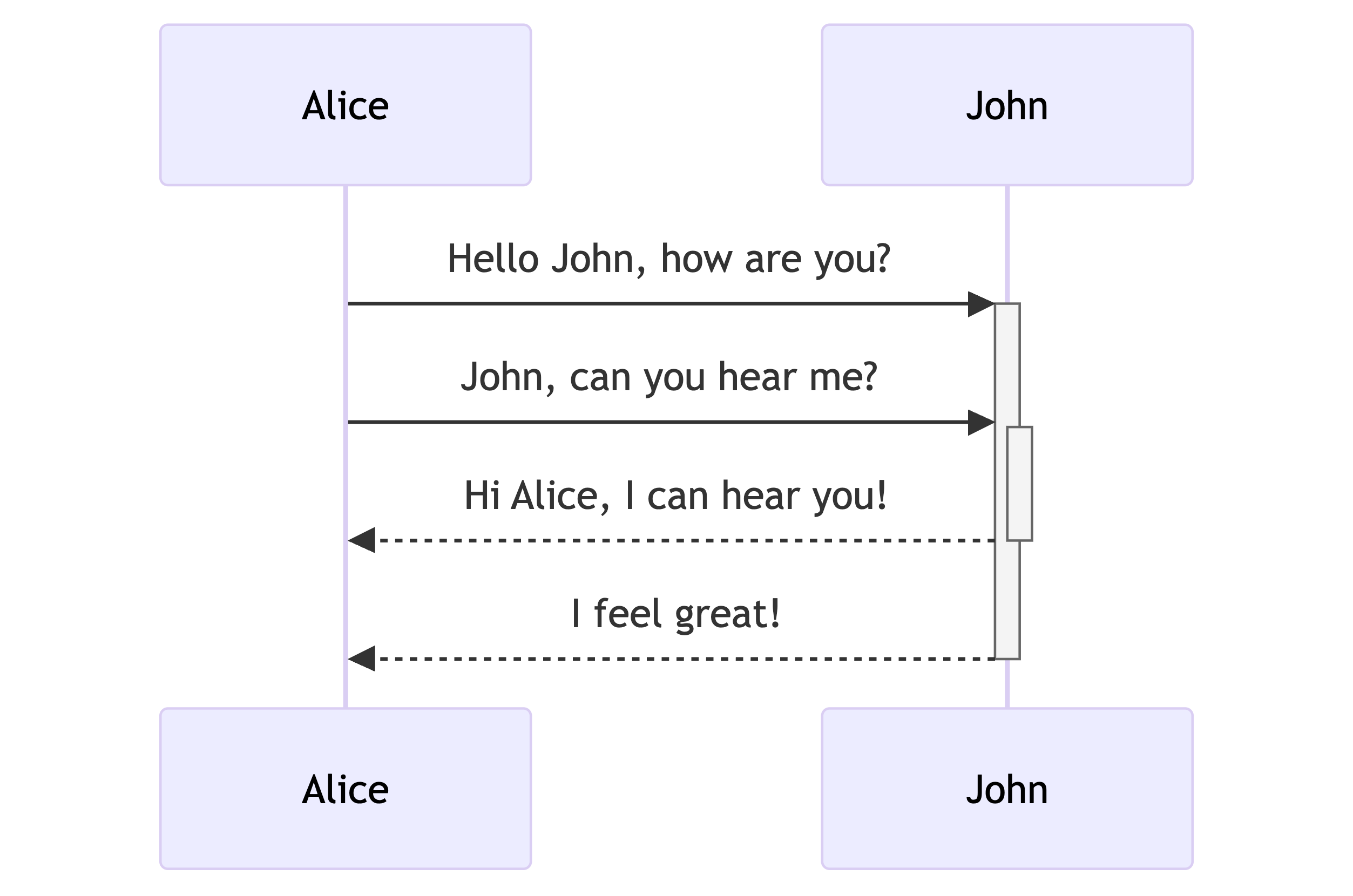
Mermaid is a library that allows you to create diagrams in your notes using Mermaid syntax in a code block. This is a common way to create text-to-diagram visualisations in a lot of github repositories.
Obsidian has a native support for Mermaid. It allows you to create a wide range of diagrams e.g. flowcharts, sequence diagrams, and more in your notes using Mermaid syntax in a code block. The diagrams are rendered in the preview mode of your note. It really comes in handy when you want to create diagrams for your note on the fly.
Mindmap
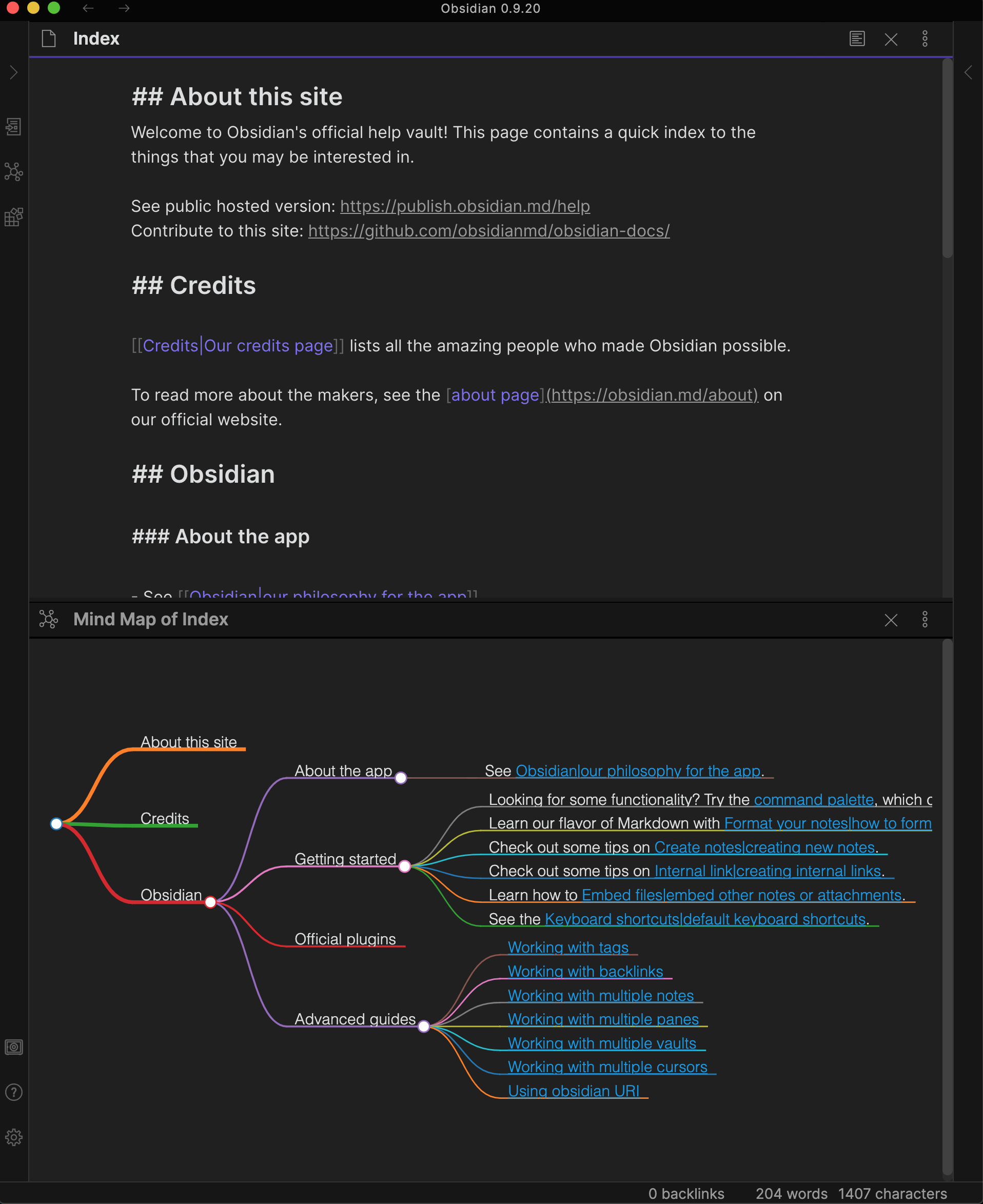
If your notes have a more hierarchical structure, you can use Mindmap to visualise your notes. You can open any note and preview it as a mindmap in a new tab using this plugin. The nodes are the headings in your note which you can expand and collapse as you wish.
Dataview
Dataview is a plugin that allows you to create dataviews on Obsidian. It’s a good way to visualise your notes in a datatable-like structure.
table bookId, noteCount, reviewCount, category, lastReadDate
from "weread"
sort lastReadDate desc